










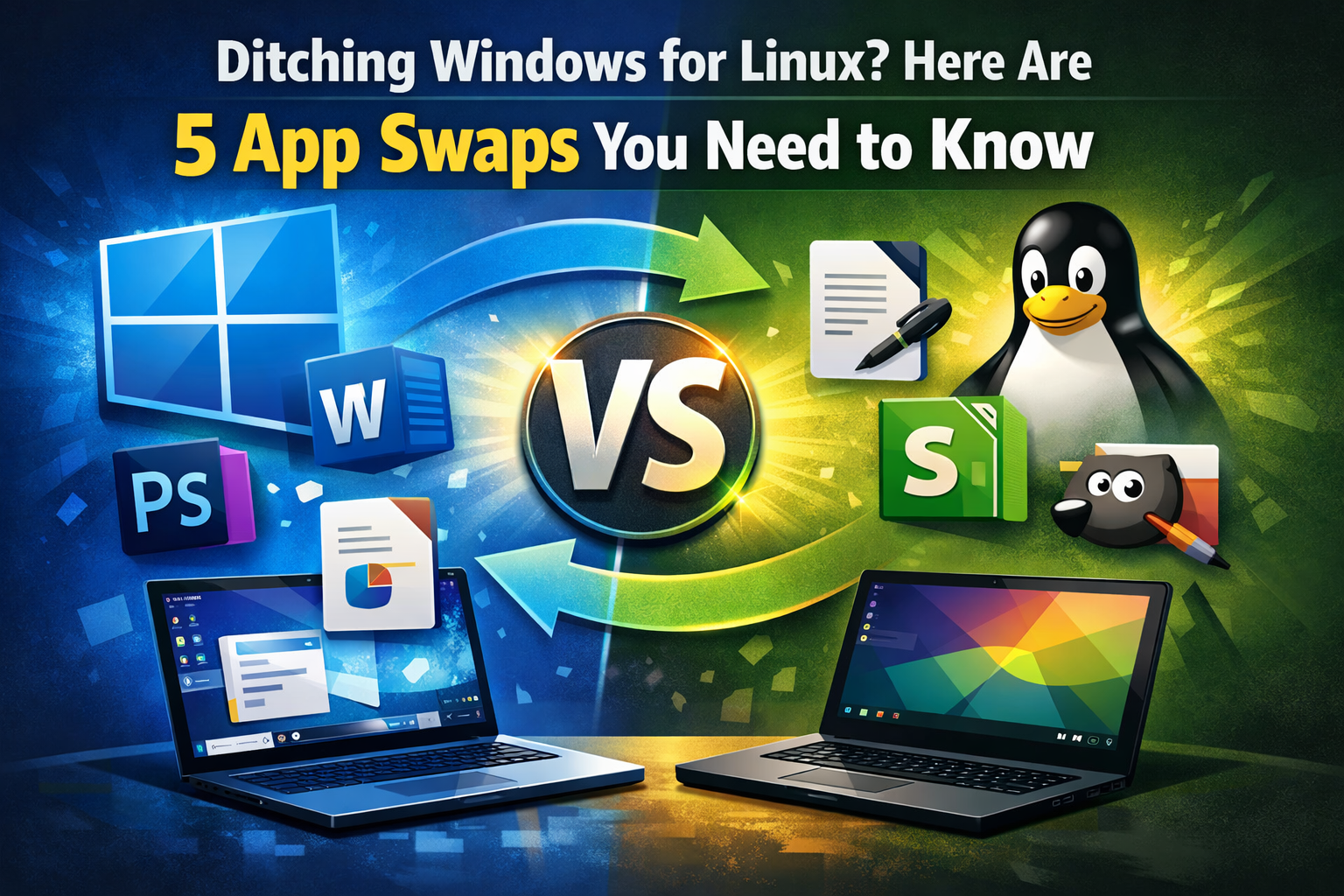
So you’ve finally decided to make the jump from Windows to Linux – welcome to the club, nerd. The good news? You don’t have to white-knuckle your way through compatibility layers and Wine configs just to use your favorite apps. The open-source world has solid alternatives for just about everything. Here’s your quick-start cheat sheet.
KDE Connect Instead of Phone Link
Windows has Phone Link built in for connecting your phone to your PC, but it requires a Microsoft account just to get started. KDE Connect is the Linux answer – free, open-source, and it works as long as your phone and computer are on the same Wi-Fi network. You can sync clipboards, share files, get phone notifications on your desktop, reply to texts from your PC, and even use your phone as a presentation remote. It supports both Android and iOS, and honestly, it does more than Phone Link does. If all you need is fast file sharing, also check out LocalSend – think of it as an open-source AirDrop.
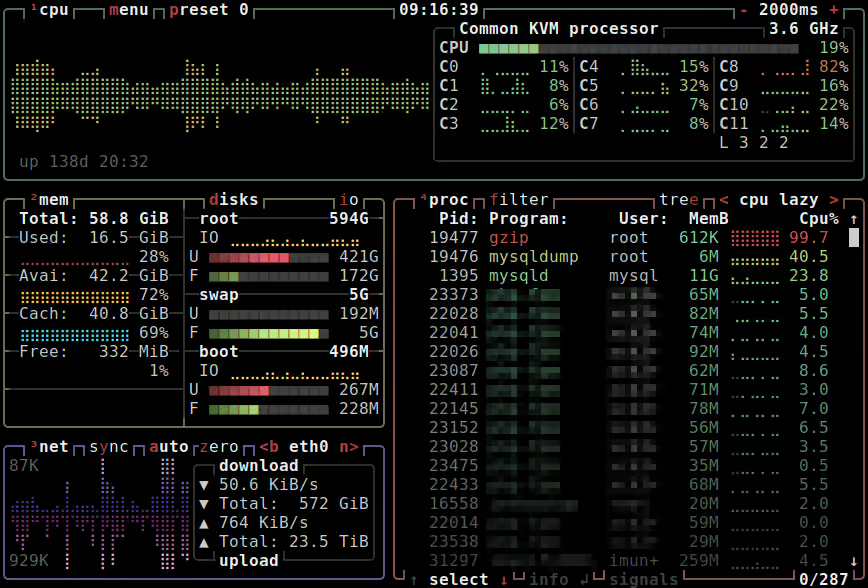
btop Instead of Task Manager
Most Linux distros don’t ship with a visual Task Manager like Windows does. You can run top or htop in the terminal, but those interfaces feel like something out of 1994. btop is the upgrade – it’s a gorgeous, mouse-friendly system monitor that lives in your terminal and shows CPU, memory, storage, and network usage in clean, visual blocks. You can search processes, kill tasks with keyboard shortcuts, and even change themes. Install it with sudo apt install btop on Debian/Ubuntu or sudo dnf install btop on Fedora.
PhotoGIMP Instead of Photoshop
Okay, this one comes with an asterisk. Photoshop is legitimately hard to replace – nothing on Linux matches it feature-for-feature. But before you go down the Wine/compatibility layer rabbit hole, give GIMP a shot. For drawing, Krita is excellent. For editing, GIMP handles most tasks well. The catch? GIMP’s default interface is kind of a mess if you’re used to Adobe’s layout. That’s where PhotoGIMP comes in – it’s a plugin that reskins GIMP to look and feel like Photoshop. You download a zip, extract it into your home folder, and you’re done. Not a perfect clone, but way more approachable.

RustDesk Instead of Remote Desktop (RDP)
Windows has Remote Desktop Connection baked in. On Linux, RustDesk is the free, open-source equivalent. Install it on both machines, each gets a generated ID and one-time password, you enter the code on the other computer, hit connect, and you’re in. That’s genuinely it. No subscriptions, no accounts, no nonsense. It also works cross-platform, so you’re not locked into Linux-to-Linux connections.
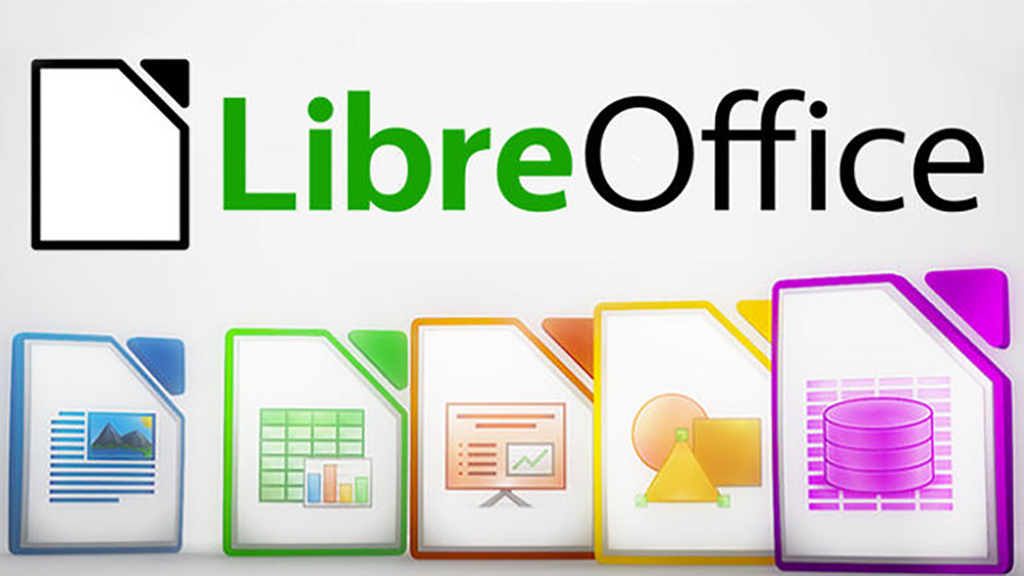
LibreOffice Instead of Microsoft Office
LibreOffice is the full office suite replacement – Writer for Word, Calc for Excel, Impress for PowerPoint, Draw for Publisher, and Base for Access. It’s completely free, works totally offline, and can open, edit, and save all the Microsoft formats you’d expect (.docx, .xlsx, .pptx, etc.). It doesn’t have an Outlook equivalent, but Thunderbird fills that gap nicely. If you grew up using Microsoft Office in the early 2000s, LibreOffice will feel very familiar. It’s not a 1:1 match for every advanced Excel feature, but for everyday use it’s more than capable.
The Bottom Line
Linux’s app ecosystem has come a long way. For most everyday tasks, there’s a solid open-source alternative that won’t cost you anything and won’t require jumping through hoops. The main exceptions are Adobe’s creative suite and some niche specialty software – but even then, it’s worth checking before assuming you need a workaround.
Made the switch to Linux? Drop your favorite app swaps in the comments – we’d love to hear what’s working for you.
Want more tech talk? Catch us live on Twitch every Wednesday, and subscribe to the Nerd Daddies podcast on Spotify and Apple Podcasts.